
Menu
Close
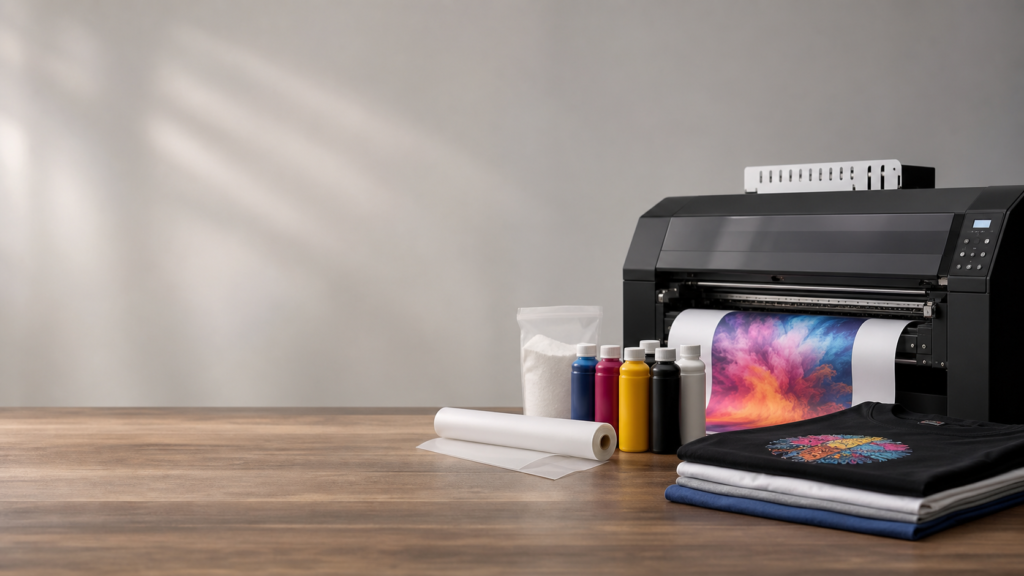
Direct to film printing technology moves fast. If your shop is busier than ever but your current setup feels sluggish or requires constant maintenance, you might assume it is time to buy an entirely new system. However, replacing your entire line is not always the only option. By targeting specific bottlenecks in your workflow, you can upgrade your existing DTF equipment to increase speed, improve color accuracy, and drastically reduce downtime.
Whether you are dealing with frequent printhead clogs, inconsistent color matching, or a massive backlog at the cutting table, making smart, modular upgrades is the most practical way to scale. Here is a straightforward guide on how to get more out of your current direct to film printers and finishing equipment.
The core of any DTF system is the printer itself. Over time, components wear down, causing banding, poor ink flow, or slow print times. Refreshing key hardware components is the fastest way to restore and even improve your machine’s baseline performance.
If you are spending hours running cleaning cycles just to get a decent nozzle check, your ink delivery system is likely the culprit. Printheads, such as the OEM Epson I3200 Printhead, have a finite lifespan. Upgrading a tired printhead restores the crisp resolution and heavy white ink opacity your customers expect.
But putting a new printhead on an old ink line is a mistake. To get the best performance, you should also replace your ink dampers, wiper blades, and capping stations. Dampers act as small filters before the ink reaches the head. When they clog, ink flow starves, causing banding during long print runs. Installing new I3200 ink dampers and a fresh capping station and waste ink pump ensures your machine pulls ink efficiently and maintains a perfect seal when resting.
DTF printers are highly sensitive to their environment. If your white ink is separating or your film is pooling ink, humidity and temperature are usually to blame. Adding a simple wireless hydrometer monitor allows you to track your room conditions perfectly. Keeping your shop between 40% and 60% humidity prevents static buildup on your film and keeps your printheads from drying out prematurely.
Think of RIP (Raster Image Processor) software as the translator between your computer screen and your printer. If you hand a complicated set of instructions to a slow translator, the job takes forever. If your printer pauses during printing, or if the colors on your shirts do not match the colors on your monitor, an software upgrade will fix it.
Older RIP software struggles to process large, complex gang sheets. Upgrading to Digital Factory Direct to Film Edition V12 provides better memory management, faster processing times, and superior white ink management. Better software means you can automatically generate the exact amount of white underbase needed, saving ink costs and giving the final garment a softer, lighter feel.
Corporate clients demand exact brand colors. If you are guessing with CMYK sliders, you are wasting time and materials. Adding a color management tool like the Nix Mini Spectro allows you to scan a physical color and match it perfectly in your software. Paired with accurate software profiling, you can hit exact reds, blues, and corporate tones without trial and error.
Sometimes the best equipment upgrade is simply feeding your machine better materials. The physical mechanics of a printer can only do so much if the ink is watery or the film shrinks under heat.
Standard CMYK ink sets are great for everyday jobs, but if your machine supports it, moving to a premium, highly pigmented ink changes everything. Our DTF Expanded Gamut Premium Bulk Ink is formulated to reduce clogging and provide a wider range of vibrant colors. High-quality ink flows better through your dampers and requires fewer cleaning cycles, which directly increases your daily output.
If your operators are waiting for transfers to cool down completely before peeling, you are losing hours of production time every week. Switching your shop to Super Peel Film eliminates this waiting period. This double-sided coated film provides better grip in the printer to prevent slipping, and it can be peeled hot immediately after pressing. It is a simple material swap that massively increases your heat pressing speed.
Printing the film is only the first half of the job. Once the roll comes out of the duster, the real labor begins. If you are still relying on scissors or basic manual trimmers, your finishing department is likely holding back your overall capacity.
As your print volume increases, so does the amount of powder and fumes generated by your curing oven. Upgrading your shop with a heavy-duty Filtrabox Micro DTF Fume Extractor keeps your workspace clean and safe. A clean environment prevents rogue adhesive powder from settling on your printer’s encoder strips and sensors, which prevents random misalignments and mechanical errors.
If your printer can output hundreds of square feet an hour, a person with scissors cannot keep up. To truly upgrade your workflow, you need to automate the cutting stage. Our vision-based laser cutter, The Sentinel, was built specifically to solve this problem.
Instead of manually loading cut files or fighting with alignment issues, The Sentinel uses an overhead camera to scan the printed roll in real time. It automatically maps the cut paths and slices through the film with dual servo-driven lasers. By integrating an automated cutter at the end of your production line, you turn a labor-intensive chore into a continuous, hands-free workflow. Operators can simply collect pre-cut, press-ready transfers as they roll off the exit conveyor.
A successful print shop treats its equipment like a toolbox. You do not need to replace the whole box when you just need a sharper tool. By maintaining your printheads, upgrading your RIP software, using premium instant-peel films, and automating your cutting process, you can dramatically improve the performance of your existing DTF setup.
At American Print & Supply, we focus on helping decorators reclaim their time and profit. Whether you need a simple replacement part like a wiper blade, or a major workflow addition like an automated laser cutter, making targeted upgrades ensures your business continues to grow with confidence and less friction.