Menu
Close
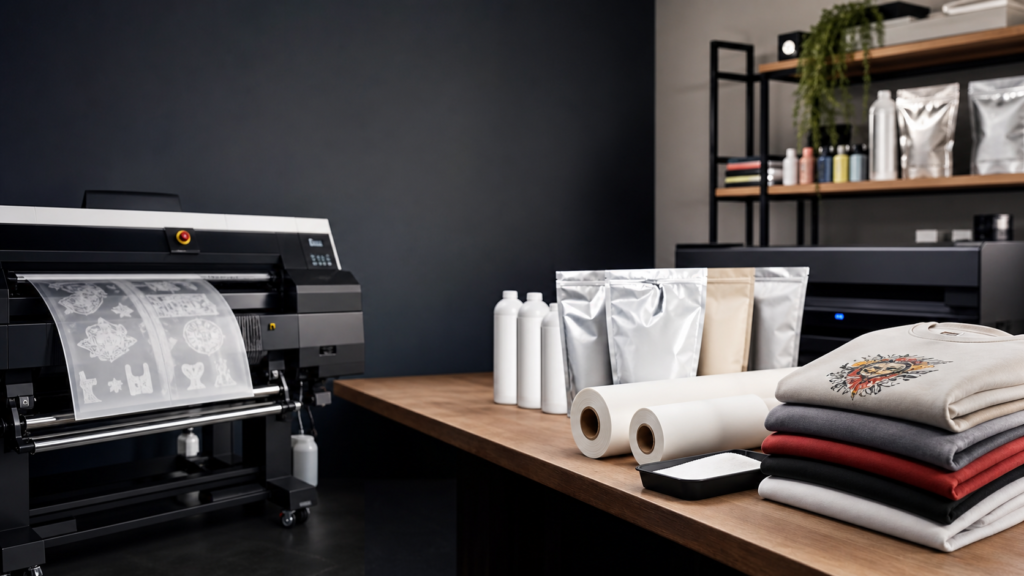
Direct to Film (DTF) printing has rapidly become the standard for custom apparel and textile decoration. Unlike traditional screen printing or direct-to-garment (DTG) methods, DTF offers versatility, allowing decorators to apply vibrant, durable pigment-based inks to almost any fabric without complex pre-treatment. However, as your commercial print shop grows, the equipment you rely on must scale with you. Choosing the right hardware and workflow solutions is the difference between constant production bottlenecks and a smooth, highly profitable operation.
When you are ready to invest in commercial-grade DTF systems, you need to look beyond the basic specifications. You must evaluate the entire production ecosystem, from print speed and curing capacity to automated cutting and post-sale support. This guide covers exactly how to select DTF equipment for commercial printing services so you can reclaim your time, reduce waste, and build a reliable production floor.
The first step in selecting commercial DTF equipment is taking an honest look at your current order volume and your projected growth. A successful print shop selects its tools based strictly on the needs of the business. Buying an entry-level machine for a high-volume shop leads to immediate frustration, while over-investing in a massive industrial setup before you have the volume can tie up necessary capital.
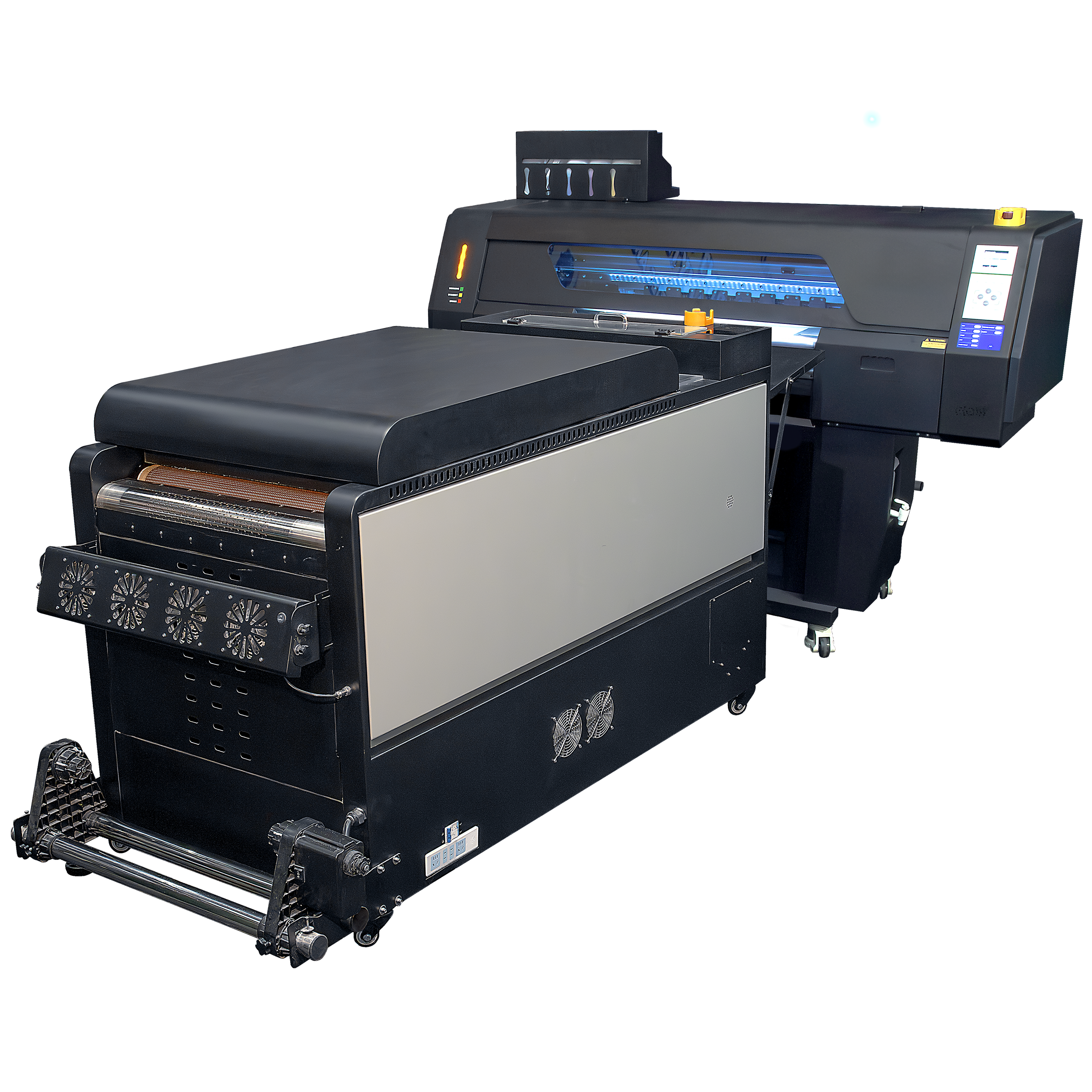
If you are transitioning from smaller desktop setups or outsourcing your transfers, a commercial-duty, compact machine like the Artemis 2-Head DTF Printer is a practical starting point. It provides professional-grade reliability in a smaller footprint.
However, if you are an established decorator handling massive wholesale orders or running a high-capacity fulfillment center, you need a machine built for serious volume. Printers like The Kraken are engineered specifically for this purpose. Utilizing a dual-rail magnetic drive system to eliminate belt drag, high-volume printers can output over 650 square feet per hour. This speed ensures you can meet tight deadlines and take on larger accounts without hesitating.
Speed and color capability are directly tied to the number and quality of printheads in your machine. Commercial printers utilize advanced heads, like the Epson I3200, to lay down ink accurately at high speeds. While two-head or four-head configurations are standard for mid-level production, top-tier commercial printers now feature up to eight printheads.
An eight-head configuration allows for extended color capabilities, such as CMYK alongside RGB, specific spot colors, and dual white channels. This setup provides a wider color gamut for precise brand matching and produces incredibly opaque white underbases, all without slowing down the carriage speed.
A fast printer is useless if the rest of your production line cannot keep up. When you select DTF equipment, you are not just buying a printer; you are building a continuous workflow. Every stage of the process, from powder application to cutting, must be balanced.
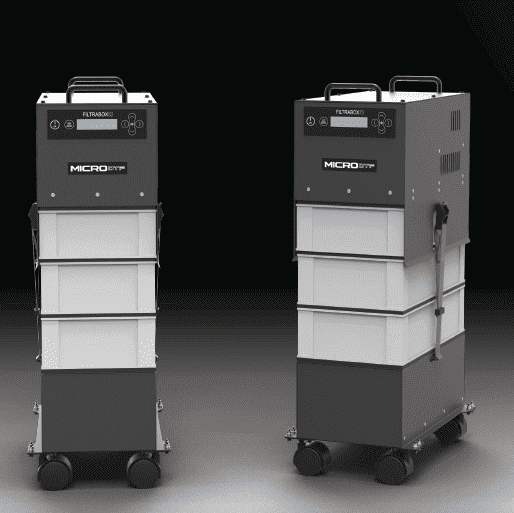
Once the ink is applied to the film, it must be coated with an adhesive powder and cured in an oven. If your printer runs at 650 square feet per hour, your oven needs a dual-stage or extended heating zone to properly cure the adhesive at that speed. When selecting your equipment, ensure the manufacturer offers a matched, extended smart duster that pairs perfectly with the printer’s output rate. If the curing system is too short or lacks proper heat distribution, you will be forced to slow down your printer to prevent wet, unusable transfers.
Cutting has historically been the most overlooked stage of DTF production. You can perfect your printing and pressing, but if your staff is manually separating gang sheets with scissors, you have a massive bottleneck.
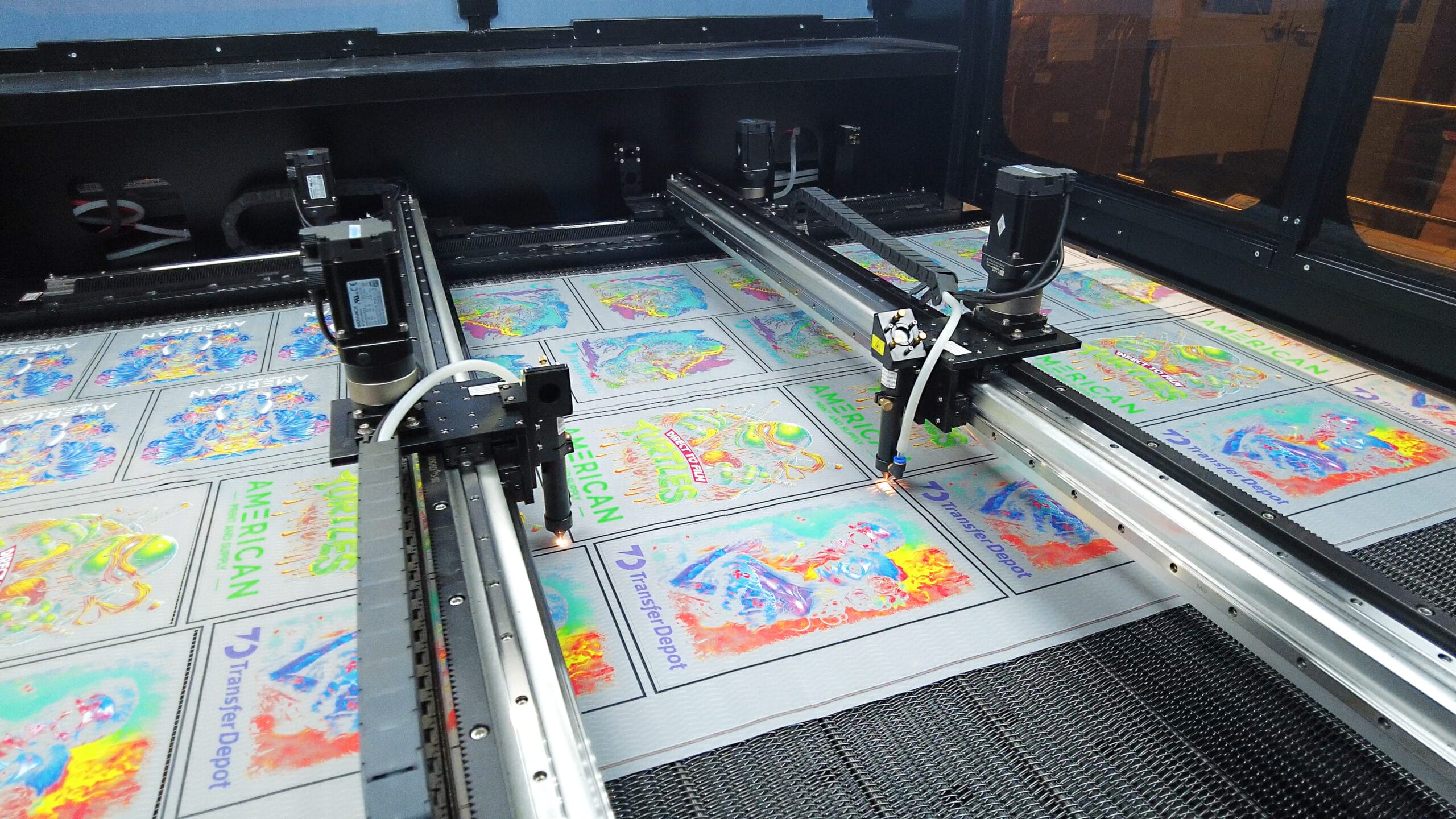
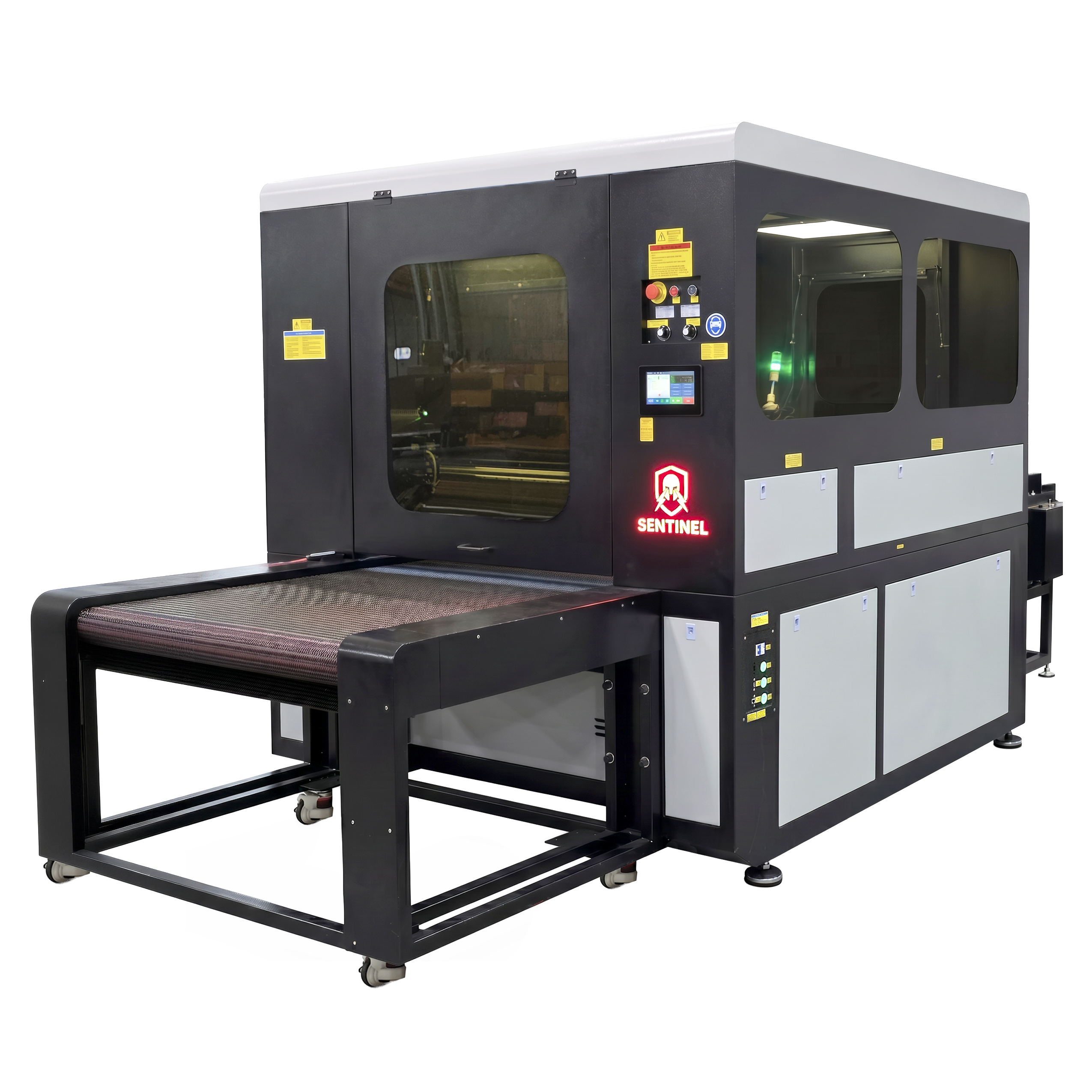
To truly modernize a commercial shop, you must automate the cutting process. Equipment like The Sentinel removes this friction entirely. Using a vision-based laser cutting system, it scans printed rolls in real time and maps each cut path automatically without requiring complex DXF or CAD files. With dual servo-driven lasers and the ability to process two 32-inch rolls simultaneously, automated cutters keep pace with the fastest printers on the market. Adding this level of automation allows your team to focus on pressing and fulfilling orders rather than trimming film.
Hardware capabilities mean very little without the right software and high-quality materials feeding into the system. The standard of your final product is dictated by the processing software and the physical consumables you choose.
Raster Image Processor (RIP) software translates your digital design into a language the printer understands. For commercial operations, you need software that manages color profiles accurately, handles variable data, and generates efficient gang sheets. Up-to-date software, such as Digital Factory V12 or NeoStampa, allows operators to fine-tune ink density, manage white chokes, and generate the specific visual marks required for automated cutters. Ensure the equipment you purchase integrates seamlessly with industry-leading RIP software.
The materials you run through your printer dictate the lifespan of the equipment and the quality of the transfer. Commercial equipment requires reliable, consistent consumables. Using premium expanded gamut bulk ink prevents frequent head clogs and delivers consistent, vibrant results across different fabric types.
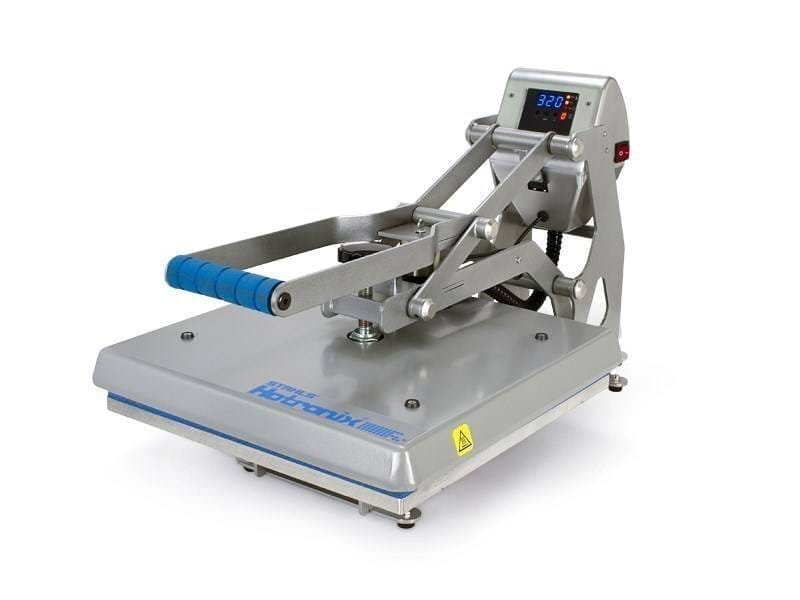
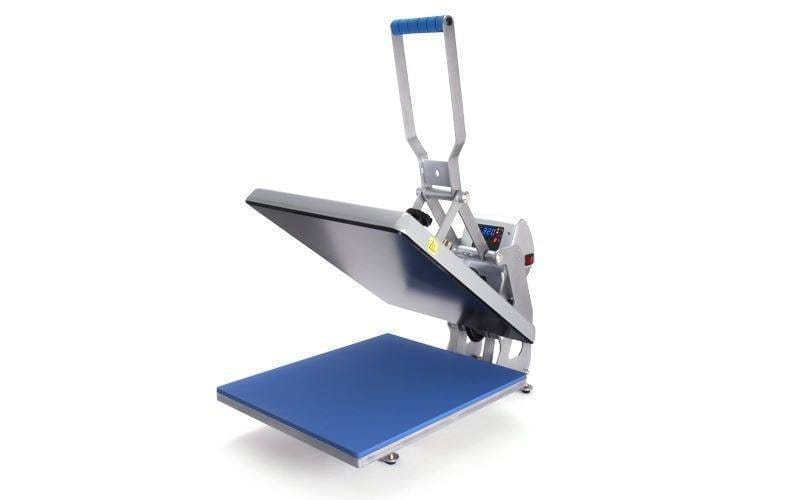
Similarly, the film you use impacts both the printing and pressing stages. Products like Super Peel Film feature specialized double-sided coatings that feed smoothly through high-speed printers and allow for instant peeling at the heat press. Selecting the right film reduces misfeeds and speeds up application times on the pressing floor.
Commercial DTF printers are complex industrial machines. Even the best equipment requires maintenance, part replacements, and occasional troubleshooting. When evaluating how to select DTF equipment for commercial printing services, the vendor you choose is just as important as the machine itself.
Buying a printer in a crate and figuring it out via a manual is not a viable strategy for a commercial business. Look for equipment providers that offer comprehensive, white-glove installation and hands-on training.
A true equipment partner will send professionals to your facility to assemble the machine, calibrate the color profiles, align the printheads, and train your staff on daily maintenance routines. American Print & Supply focuses on this exact model, ensuring that when the technicians leave your shop, your team is ready to go live with confidence. You are investing in uptime, reliability, and peace of mind. Choose a supplier that stocks replacement parts locally—from dampers and wiper blades to bulk adhesive powders—and offers straightforward, accessible technical support when you need it.
Selecting commercial DTF equipment requires looking at your business as a whole. By accurately assessing your volume, automating your workflow, prioritizing quality consumables, and partnering with a provider that guarantees robust support, you build a foundation for long-term growth and sustained profitability.