Menu
Close
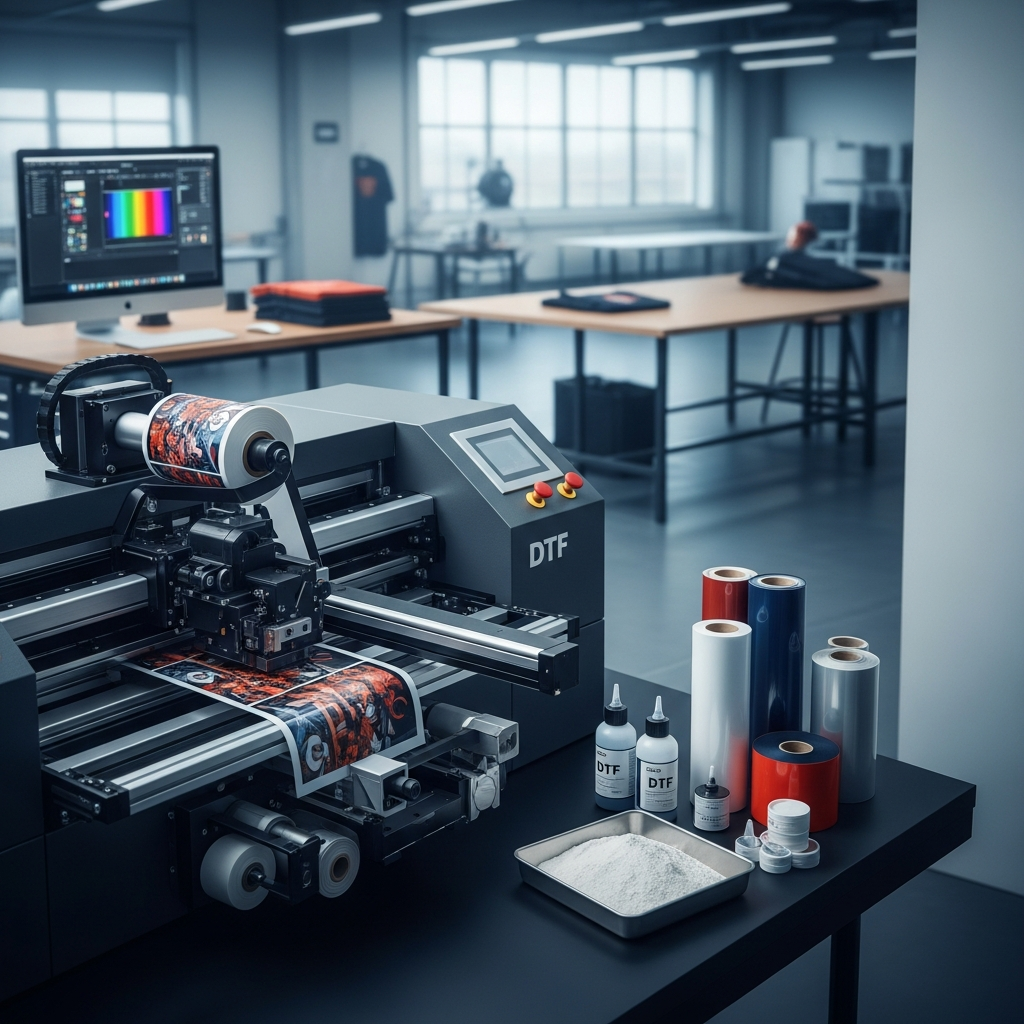
When expanding a print shop or starting a new custom apparel business, choosing the right equipment dictates your daily workflow, production capacity, and bottom line. Direct to film (DTF) printing has completely changed garment decoration, offering vibrant, durable prints that apply to almost any fabric without the need for pretreatment. However, as the technology has grown, the market has split into two distinct categories of machines.
If you are looking at your equipment options, you might be asking: what are the differences between commercial and desktop DTF printers? Understanding how these two classes of machines operate will help you make an informed decision that aligns with your production needs, budget, and business goals.
At a fundamental level, both desktop and commercial DTF printers perform the exact same core function. They print water-based pigment ink onto a PET film, apply a powdered adhesive, cure that adhesive with heat, and prepare the transfer for a heat press. The actual differences lie in the scale, speed, reliability, and level of automation built into the systems.
Desktop DTF printers are generally adapted from standard photo inkjet printers or built as small, entry-level systems. They print on individual cut sheets or narrow rolls, typically 13 inches wide. Because they use fewer, slower print heads, producing a single full-size chest graphic can take several minutes. This speed is sufficient for small runs, but quickly becomes a liability when faced with larger orders.
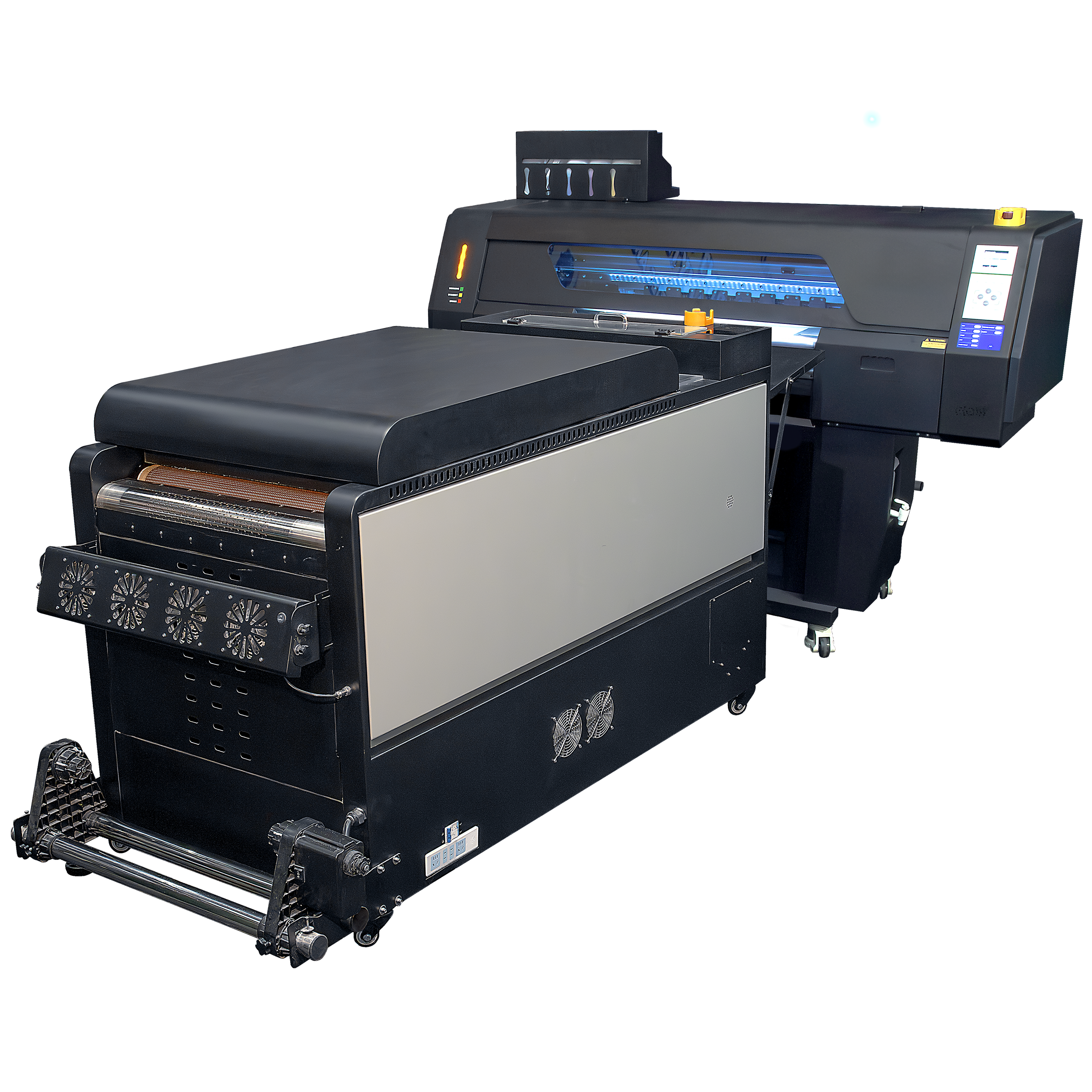
Commercial DTF printers are purpose-built for continuous, high-volume production. They handle wide rolls of film, usually starting at 17 inches and going up to 48 inches wide. Machines like our Hydra or Kraken utilize multiple industrial print heads, such as the Epson I3200. To put the speed difference in perspective, while a desktop unit might produce a dozen transfers an hour, a high-end commercial system like the Kraken outputs over 650 square feet per hour.
Desktop machines are built with lighter materials, plastic housings, and consumer-grade internal components. They are fine for hobbyists or businesses printing a handful of shirts a day, but they are not designed to run eight hours a day, five days a week.
Commercial systems feature heavy-duty steel frames, dual rail magnetic drive systems to eliminate belt drag, and industrial-grade motors. They are built to withstand the rigors of a demanding production environment without shaking themselves apart or requiring constant recalibration.
For many decorators, a desktop printer serves as a stepping stone. Here is a realistic look at what you can expect from a smaller, entry-level unit.
The primary advantage of a desktop DTF printer is the initial purchase price. They require a much smaller financial commitment, making them accessible for startups testing the waters of custom apparel. They also take up very little space. A desktop printer and a small standalone curing oven can easily fit on a standard workbench or office desk, making them a fit for home-based businesses.
The trade-off for the low price is manual labor and frequent maintenance. Most desktop workflows require the operator to manually apply the adhesive powder to the wet film. You have to dip the film into a powder bin, shake off the excess, and place the film into a small curing oven. This manual powdering process is messy, inconsistent, and severely limits your production speed.
Additionally, desktop machines usually lack advanced ink management systems. White DTF ink contains titanium dioxide, a heavy compound that settles quickly and causes severe print head clogs. Desktop users often have to manually shake ink bottles and run frequent, wasteful cleaning cycles to keep the printer operational.
When a print shop outgrows a desktop unit, the bottlenecks become obvious. Commercial DTF printers eliminate these roadblocks through heavy-duty engineering and end-to-end automation.
A true commercial setup is not just a printer; it is an integrated production line. As the machine prints onto a continuous roll of film, the film is automatically fed into a powder shaker unit, commonly called a duster. The duster applies the adhesive powder evenly, knocks off the excess, and feeds the film through a multi-stage heating oven to cure the ink and powder perfectly. Finally, an automated take-up reel collects the finished, ready-to-press transfers. An operator can press start, manage other tasks, and return to a completed roll of hundreds of transfers.
Commercial printers feature automated white ink circulation systems. Internal pumps continuously move the white ink through the lines and dampers, preventing the titanium dioxide from settling. This drastically reduces clogs and extends the life of the print heads. The print heads themselves, like the genuine Epson I3200 heads found in our Artemis, Hydra, and Kraken models, are engineered for precise drop placement and long-term durability in high-volume environments.
Buying a printer is only part of the equation. You also have to consider what it takes to keep it running, the cost of consumables, and how you handle the prints once they come off the machine.
No DTF printer is entirely maintenance-free, but commercial machines handle much of the heavy lifting. Automated capping stations keep the print heads sealed and moisturized when not in use. While a desktop printer might require daily manual swabbing and line flushing, a commercial machine typically needs a quick visual inspection, a standard nozzle check, and an automated cleaning cycle before starting the day’s production.
Desktop printers typically rely on smaller ink bottles or cartridges, which carry a higher cost per milliliter. They also utilize precut film sheets, which are more expensive per square foot than bulk rolls. Commercial DTF printers utilize bulk ink tanks holding a liter or more of premium DTF ink. Buying consumables in bulk, such as our 10lb or 44lb premium adhesive powder and 328-foot or 656-foot film rolls, significantly drives down the cost per print. For a business producing hundreds of garments a week, these consumable savings quickly offset the higher initial cost of commercial equipment.
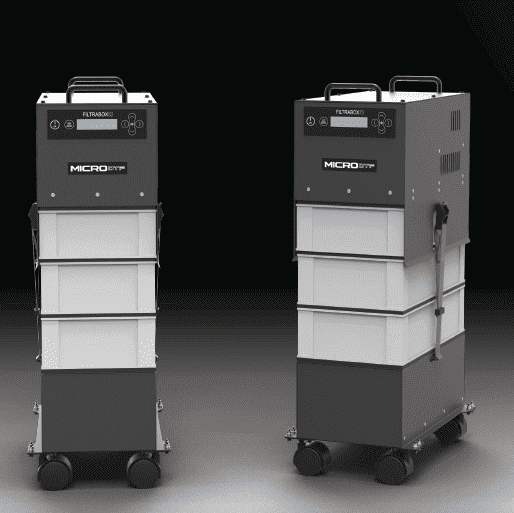
Whether you use a desktop or commercial system, the DTF curing process creates fumes and particulate matter. Proper ventilation is required. Desktop users often vent a small air purifier out a window. Commercial setups require industrial filtration. At American Print & Supply, we integrate robust air purification solutions, like our DTF 250W Industrial Filtration Fume Extractor, directly into the workflow to keep your shop clean and safe for your operators.
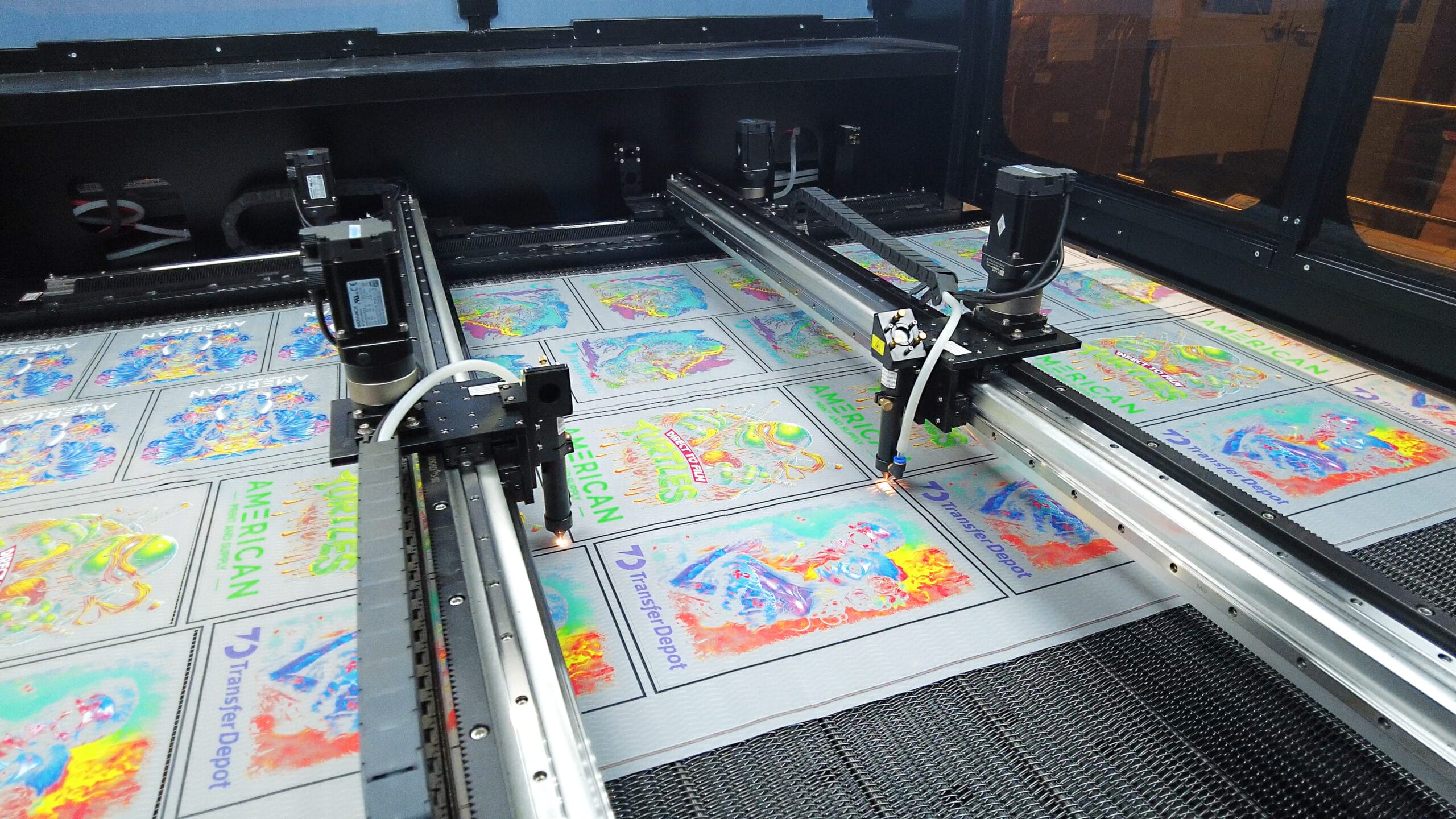
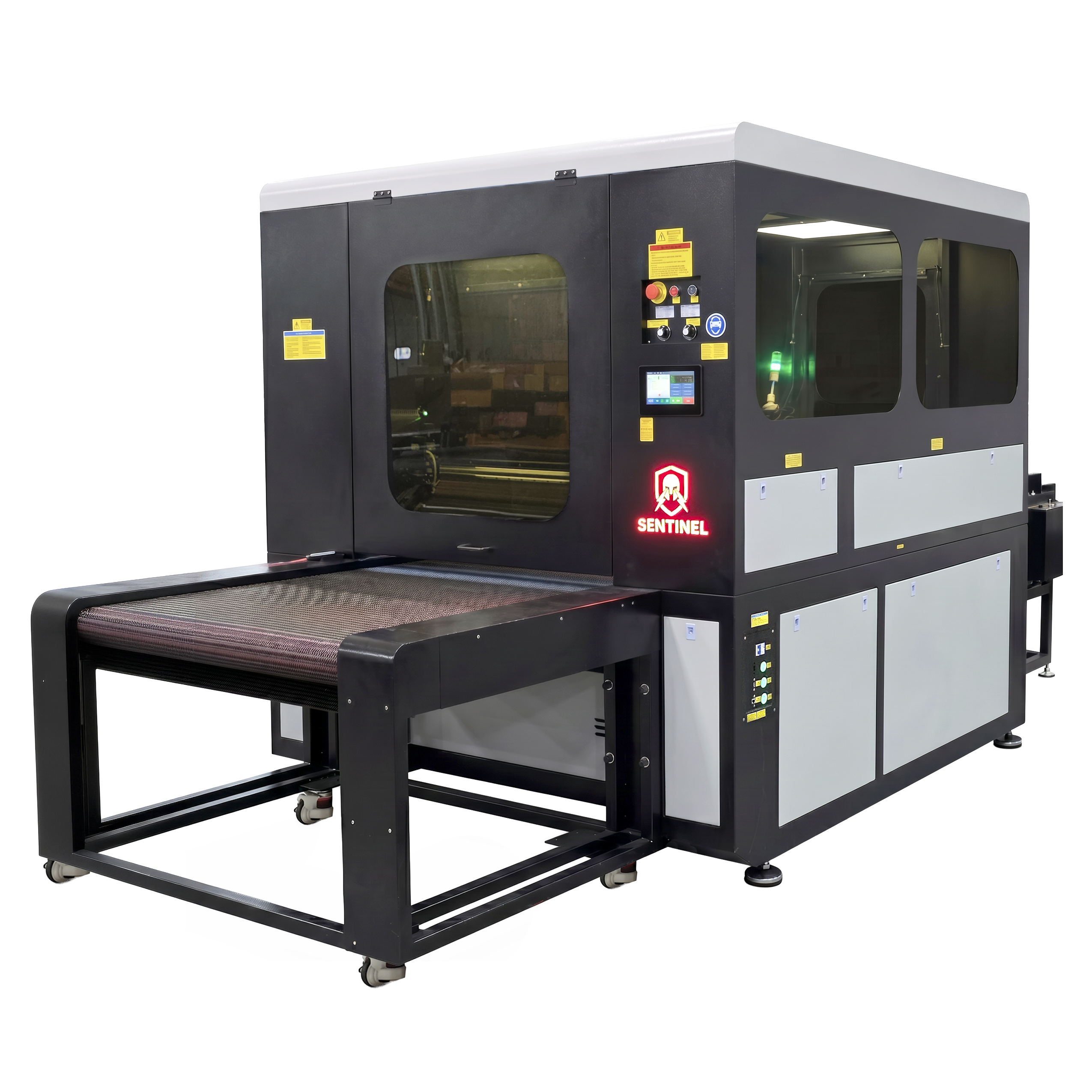
When you print at commercial speeds, your next bottleneck becomes cutting the transfers apart. If you print 650 square feet an hour, a pair of scissors will not keep up. This is where investing in a commercial ecosystem pays off. American Print & Supply developed The Sentinel, a vision-based laser cutter built specifically for DTF transfers. It automatically maps cut paths in real time and processes two 32-inch rolls simultaneously. Pairing a commercial printer with automated cutting creates a true continuous workflow that desktop systems simply cannot support.
Deciding between a desktop and a commercial DTF printer comes down to your current volume, your available budget, and how you value your time.
If you are a hobbyist, running a side operation from a spare bedroom, or simply want to experiment with DTF technology before committing, a desktop printer makes sense. It requires patience and hands-on maintenance, but it allows you to enter the market with minimal risk.
If you are an established garment decorator, a high-volume fulfillment center, or a shop looking to replace traditional screen printing, a commercial DTF printer is the most practical choice. Machines like our 17-inch Son of a Gladiator or 24-inch UFO provide accessible commercial-grade printing, while the Hydra and Kraken exist for those who need maximum continuous output.
At American Print & Supply, we know that reliable equipment is the backbone of your business. We offer more than just hardware; we provide white-glove workflow support, on-site installation, and comprehensive training to ensure your shop scales without friction. From full-color transfers to automated cutting and pressing, choosing commercial DTF equipment means choosing to reclaim your time and maximize your profit.