Menu
Close
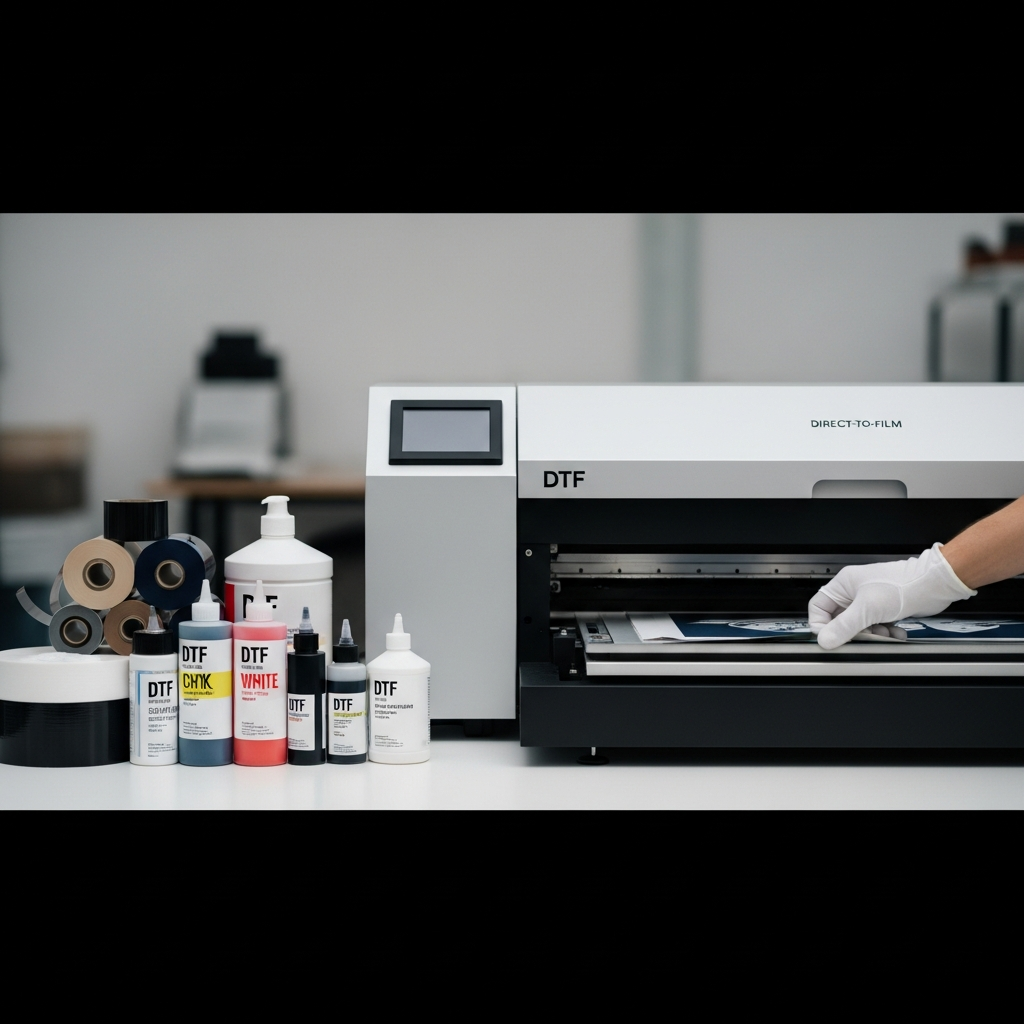
Printing small orders effectively requires a different approach than high-volume production. When your runs consist of one-offs, team rosters, or limited-edition drops, your equipment needs to prioritize fast setup times, efficient ink management, and a compact footprint. For apparel decorators, learning how to choose a DTF printer for printing small orders is the difference between a profitable shift and a day wasted on maintenance and material loss.
Direct to film printing has become an industry standard because it removes the need to pre-treat garments and allows decorators to print on almost any fabric. However, buying the fastest machine on the market is not always the right move for low-volume production. A successful print shop selects its tools based on the actual needs of the business. Here is a straightforward guide to finding the right direct to film printer for shorter runs.
When you handle small orders, your printer will likely experience more idle time between jobs than a machine running continuous 500-piece orders. This downtime makes specific hardware features critical to the health of your machine.
White DTF ink contains titanium dioxide, a heavy pigment that naturally settles at the bottom of the tank if left sitting. In a low-volume shop, ink sits longer. You need a printer with an active white ink circulation pump and stirrer motor. These systems keep the ink moving through the lines and dampers, preventing clogs and ensuring an opaque, solid white underbase every time you hit print. Choosing a printer that automates this process saves you hours of manual maintenance.
The print head capping station is where your printheads rest when they are not actively laying down ink. A high-quality capping station creates an airtight seal that keeps the nozzles from drying out between small jobs. If you only print a few gang sheets a day, a poorly sealed capping station will lead to dried ink, frequent head strikes, and costly replacement parts.
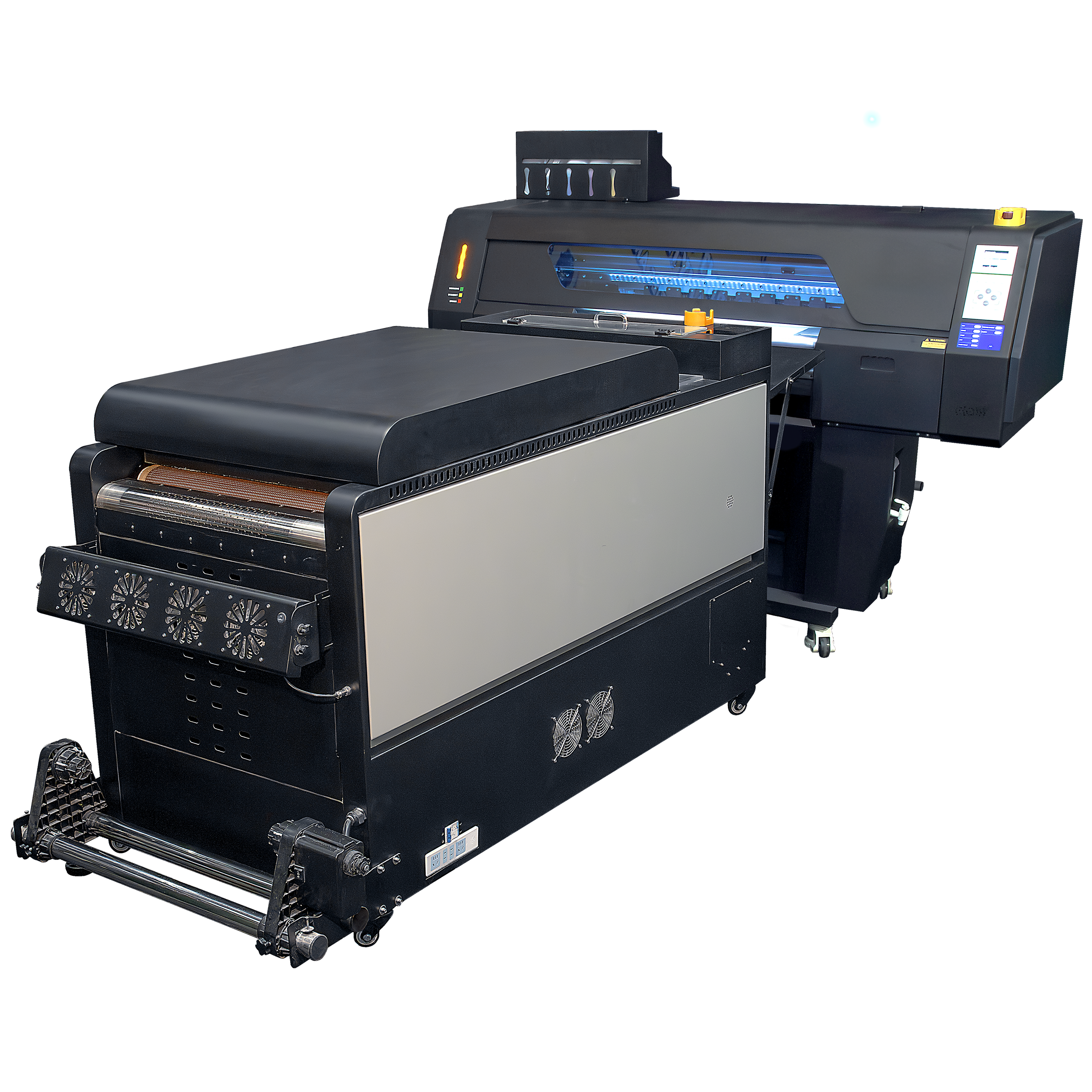
Space is often at a premium for shops focusing on small orders. You do not necessarily need a massive 48-inch dual-roll system. Compact, commercial-duty machines like the Son of a Gladiator 17″ or the Artemis 2-Head DTF Printer offer professional-grade output without dominating your entire production floor. They provide enough width to run standard chest logos and full back pieces while keeping electricity and space requirements manageable.
Small order customers often have high expectations for detail and color accuracy, especially if they are ordering custom retail ready apparel or personalized gifts.
Look for machines equipped with genuine Epson i3200 printheads. These heads are known for precision and durability. For a small order workflow, a standard CMYK plus White setup is usually sufficient, but having the option for expanded color gamuts can help you match specific brand colors. Always pair quality heads with premium consumables like DTF Premium Bulk Ink to maintain consistent color reproduction across different batches.
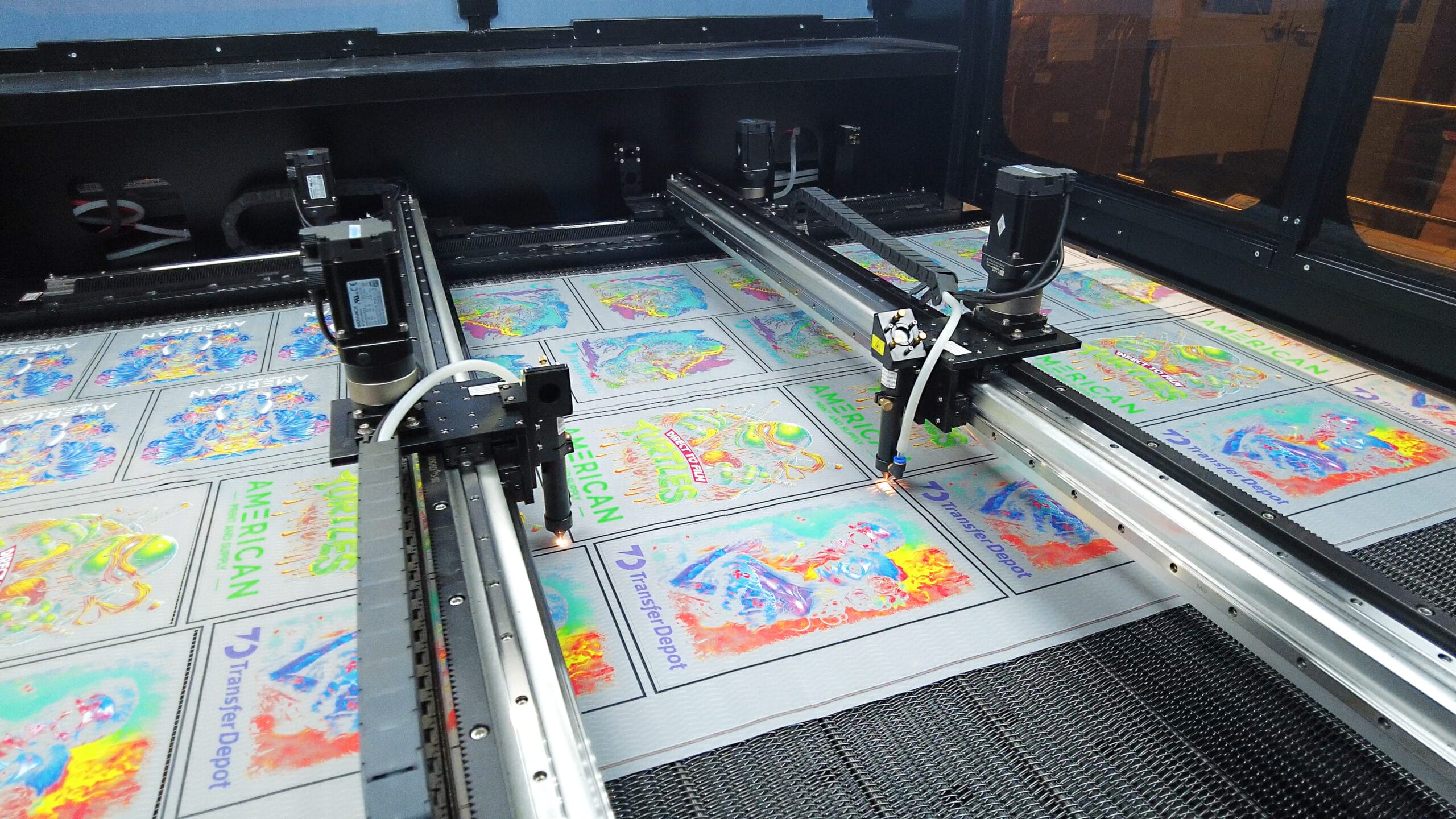
When your order sizes are small, your file management needs to be incredibly efficient. You will likely combine multiple small orders onto a single roll to save film. This process is called ganging. Utilizing professional RIP software like Digital Factory Direct to Film Edition v12 allows you to easily nest images, control ink limits, and adjust color profiles. Good software reduces the time you spend prepping files and ensures you do not waste expensive film on misprints.
The printing stage is only half the battle. How you apply the adhesive powder and cure the film heavily impacts the durability of your transfers.
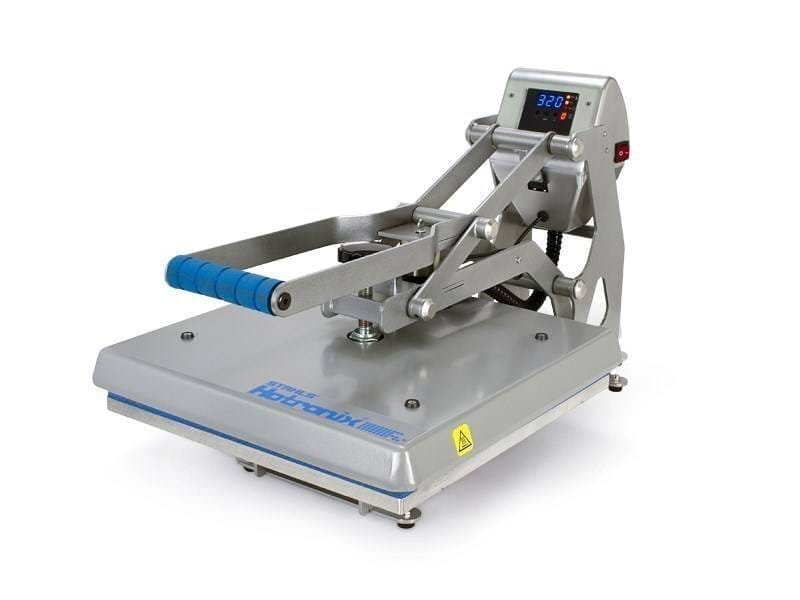
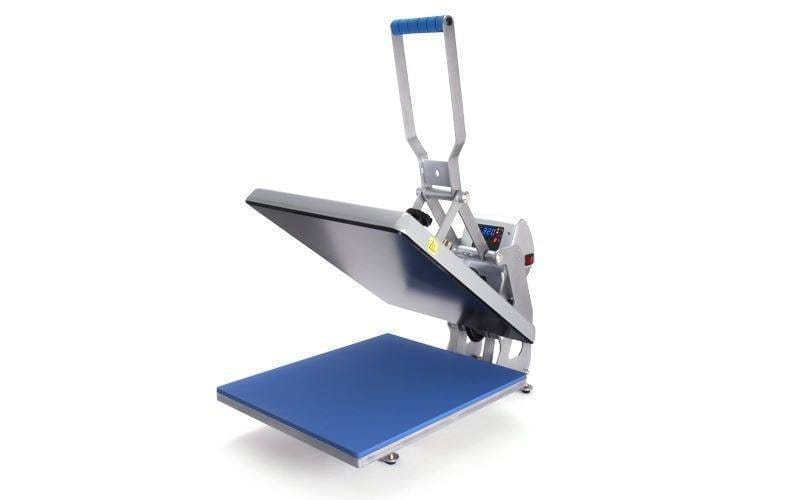
For high volume, an inline automatic powder shaker and duster is mandatory. For small orders, you have a choice. You can manually apply powder and cure the transfers in a heat press or a standalone oven, which saves space and money upfront. However, if you plan to grow, investing in a compact inline shaker system automates the process and ensures an even coat of premium adhesive powder. This consistency prevents the edges of your graphics from peeling after washing.
Small batches mean you need versatility. You want a film that peels cleanly and quickly so you can move on to the next order. Super Peel Film with an instant peel coating allows operators to press and peel the transfer almost immediately, removing a major bottleneck at the heat press.
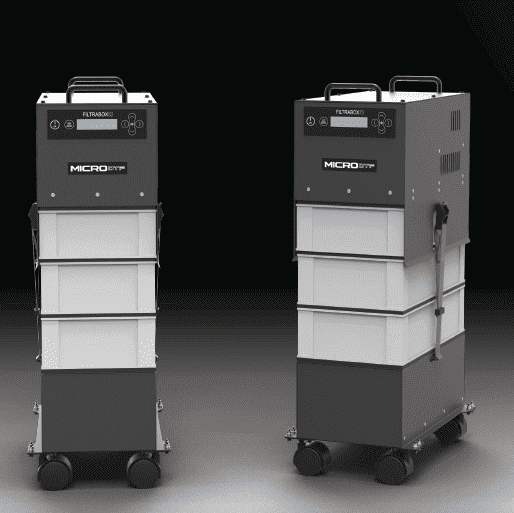
Melting adhesive powder creates fumes. Even if you are only running a few hours a day, proper ventilation is not optional. If your shop lacks external exhaust routing, you must use an industrial fume extractor like the Filtrabox Micro DTF Fume Extractor. This keeps your workspace safe and compliant without requiring major building modifications.
Think of a DTF printer like a highly accurate icing bag decorating a cake. Instead of icing, it lays down liquid colors (CMYK) onto a clear sheet of film, followed by a thick layer of white ink. While the ink is still wet, a special powder is sprinkled over it, acting like glue. The film goes through a heater to melt that glue. Once it cools, you can use a heat press to stick that design onto a t-shirt. For a small shop, you want a machine that does not waste icing, cleans its own nozzles so they do not dry out, and fits comfortably on your counter or in a small room.
Buying a printer for small orders today does not mean you will only print small orders tomorrow. You need a system that integrates into a larger workflow as your client base expands.
A machine like the Artemis or the UFO can comfortably handle your current volume, but as you scale, you might add a high-capacity machine like the Kraken. Keeping your equipment within a single ecosystem simplifies training and maintenance. You learn one software, you stock one type of ink, and you deal with one support team.
Most importantly, prioritize the vendor’s support structure. When you buy equipment online without dedicated backing, a simple sensor failure can shut down your shop for weeks. American Print & Supply provides white-glove installation, training, and ongoing workflow support. If an issue arises with your carriage board or a damper, you need a partner who answers the phone and provides clear, professional guidance.
To choose a DTF printer for printing small orders, focus on stability over raw speed. Look for robust ink circulation, professional RIP software, and hardware that fits your physical space and ventilation capabilities. Whether you are running a boutique custom apparel brand or fulfilling hyper-local sports team orders, having a reliable, clean, and easily maintained direct to film system protects your profit margins and keeps your production schedule on track.