
Menu
Close
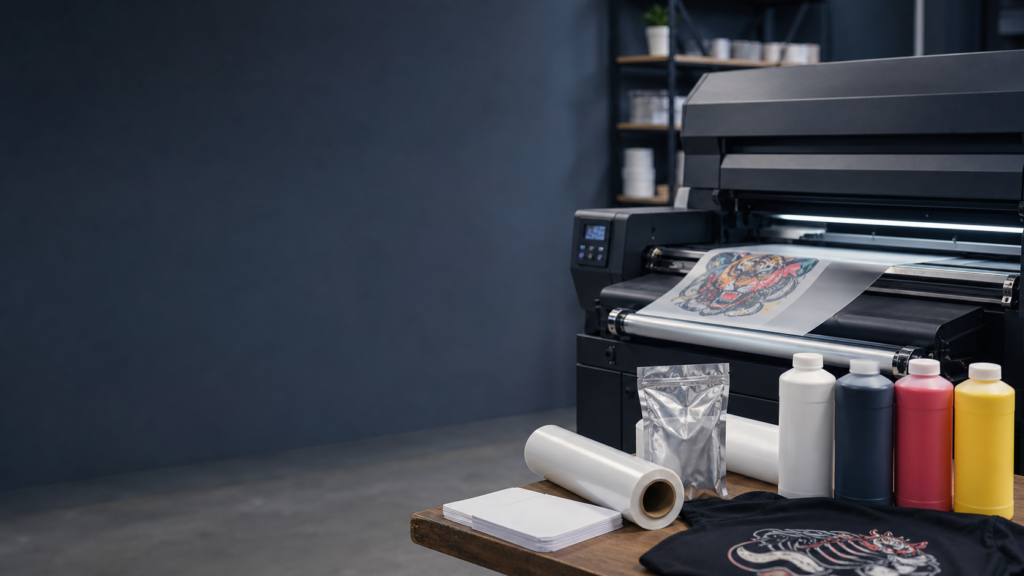
Operating a direct to film printing business offers a highly efficient way to produce custom apparel. However, the hardware requires careful attention, routine care, and a proper environment to function reliably. If you are new to the industry, the initial learning curve can feel steep. We created this guide to break down exactly how to set up and maintain DTF equipment for beginners, ensuring your production runs smoothly from day one.
Before plugging in cables or pouring ink, it helps to understand the machinery you are working with. A successful print shop selects its tools based on the specific needs of the business. Think of your DTF setup as an interconnected production line. If one part of the line fails, the entire process stops.
While industrial systems like The Kraken or The Hydra handle massive volume, a beginner setup usually consists of the same core components on a smaller scale, such as our Artemis 2-Head printer. Here are the basic elements you will interact with daily:
Setting your equipment up correctly establishes the foundation for consistent print quality. Rushing the installation process often leads to frustrating mechanical errors down the road.
Your printing environment dictates how well your machine will perform. DTF ink is highly sensitive to climate changes. You need to keep your workspace between 70 and 75 degrees Fahrenheit, with a relative humidity level between 45 and 60 percent.
If the air is too dry, static electricity builds up on the film. This causes ink to misfire and adhesive powder to stick to areas of the film where there is no ink, leaving a messy residue on your final garments. If the air is too humid, the ink will not dry properly before the powder is applied. Installing a wireless hydrometer monitor in your print room takes the guesswork out of climate control.
Start by placing your printer and powder duster on a level, stable surface. Uneven surfaces can cause film to track sideways and jam the machine. Connect your power supplies, ensuring you are using the correct voltage. Some larger dusters require a 220V connection, while standard printers operate on 110V.
Next, install your RIP software on a dedicated PC. If you purchase a turnkey system from American Print & Supply, we provide a pre-configured laptop with software like Digital Factory V12 already loaded, alongside our white-glove installation and multi-day training. If you are setting up a standalone machine, follow the software manual closely to install the correct printer drivers and import your color profiles.
Load your roll of DTF film onto the rear feed system, making sure the printable side is facing the printheads. Fill your duster unit with premium adhesive powder.
When loading ink, special attention must be given to the white ink. White DTF ink contains titanium dioxide, a heavy compound that settles at the bottom of the bottle over time. Always agitate your white ink thoroughly before pouring it into the printer tanks. Many modern systems feature built-in white ink stirrer motors and circulation pumps to keep the fluid moving, but the initial pour must be properly mixed.
Think of printer ink like a marker inside your printer. If you leave the cap off a marker, it dries out and becomes useless. A printer does the same thing, but with tiny drops of liquid. Implementing a strict daily maintenance routine is the only way to prevent your printheads from drying out and clogging.
Before you send your first job to the printer, perform a standard morning routine:
Your end-of-day routine is the most critical part of DTF maintenance. When you are done printing, the printhead returns to the capping station. The capping station acts as an airtight seal to keep the head moist.
Wipe down the edges of the capping station using an optical-grade swab. Never use standard cotton swabs, as they leave microscopic fibers behind that will clog your nozzles. Once the rubber seal is clean, apply a few drops of DTF General Purpose Cleaning Solution and Daily Wetcap directly into the cap. Park the printhead. This fluid creates a humid environment that prevents the ink inside the head from solidifying overnight.
Even with perfect maintenance, you will occasionally encounter mechanical hurdles. Knowing how to diagnose them quickly saves both time and materials.
If your nozzle checks consistently show missing lines after multiple standard cleanings, you are likely dealing with a clog. This usually happens if the printer sits idle for too long or if the white ink has settled.
Instead of forcing aggressive cleanings that waste expensive ink, you can use specialized recovery fluids. Products like PrintheadRevive or Crimson Clog Crusher are formulated to break down dried DTF pigment safely. Apply the solution to the capping station, park the head, and let it sit for a few hours to dissolve the blockage.
Sometimes, the film may skew or bubble as it enters the heating chamber. This is often an issue with the vacuum controller on the printer platen or improper tension on the take-up reel. Check that your pinch rollers are evenly spaced and that the platen vacuum is turned high enough to hold the film flat without restricting its forward movement.
As your production scales and your equipment runs smoothly, you will quickly find that manually cutting transfers with scissors becomes a major bottleneck. For operators processing hundreds of gang sheets, automating this step becomes necessary. This is where upgrading to a vision-based laser cutter, like The Sentinel, allows you to maintain continuous workflow without stopping to separate files by hand.
Learning how to set up and maintain DTF equipment for beginners takes patience, but establishing strict routines early on guarantees a longer lifespan for your hardware. Proper climate control, diligent daily cleaning, and using high-quality inks and films are the best investments you can make in your production process.
At American Print & Supply, we bring over 160 years of combined experience to the table. Based in Peoria, IL, we design our advanced DTF printing systems to help decorators reclaim their time and profit. Whether you are running a compact setup or scaling up to industrial models like The Kraken, we provide the white-glove support, premium consumables, and technical expertise you need to grow your business with confidence.