
Menu
Close
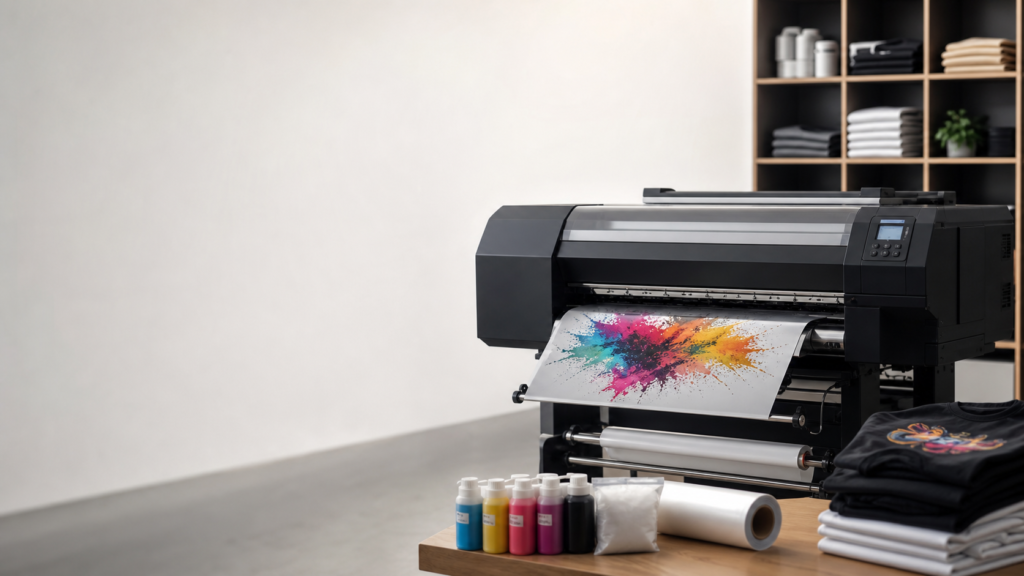
Direct to Film printing has fundamentally changed how apparel decorators approach custom garments. Whether you run a small boutique or a high-volume commercial print shop, understanding the exact mechanics behind the technology is critical for maximizing production, reducing downtime, and troubleshooting workflow issues. If you have ever watched a machine output hundreds of transfers an hour and wondered, how does a DTF printer operate, this guide breaks down the equipment and the process step by step.
Unlike traditional screen printing, which requires extensive setup and color separation, or sublimation, which is limited to polyester fabrics, Direct to Film (DTF) offers a versatile, digital solution. It prints full-color designs onto a specialized film, coats them with an adhesive powder, and cures them for application on almost any fabric type. Here is exactly how that process works from start to finish.
Before looking at the workflow, it helps to understand the physical parts that make up a commercial DTF printing system. A true end-to-end setup, like our Hydra or Kraken models, consists of several synchronized components working together to produce a ready-to-press transfer.
The heart of any DTF printer is its print heads. Commercial machines typically utilize advanced micro-piezo technology, such as the Epson I3200 print heads. These components feature thousands of tiny nozzles that fire microscopic droplets of ink onto the film with extreme precision. Depending on the machine, a printer might have anywhere from two heads (like the Artemis) to eight heads (like the Kraken), allowing for dedicated channels for color, white ink, and even extended color gamuts like fluorescent or SuperBlue+.
DTF printers operate using specialized, aqueous-based pigment inks. The machine uses a standard CMYK configuration (Cyan, Magenta, Yellow, Black) to create the full spectrum of colors for your design. However, the most critical component is the white ink. Because these transfers go onto dark garments, the printer must lay down a solid white base layer over the color ink. White DTF ink contains titanium dioxide, which is heavy and prone to settling. Because of this, reliable DTF printers feature automated white ink circulation pumps and stirrer motors to keep the ink fluid and prevent clogged dampers and print heads.
Instead of printing directly onto a shirt, the printer feeds a roll of specialized PET (polyethylene terephthalate) film. Products like our Super Peel film feature a proprietary coating that holds the wet ink in place without allowing it to pool or run, while ensuring a clean, instant release once the final design is heat-pressed onto the garment.
Operating a DTF printer is a continuous process that moves from digital file preparation to a cured physical product. Here is how the machine handles each phase of production.
The operation begins on a computer using Raster Image Processor (RIP) software, such as Digital Factory v12 or NeoStampa. The RIP software acts as the brain of the operation, translating your digital artwork into exact instructions for the printer. It dictates the droplet size, calculates the precise amount of white ink needed for the underbase, and manages color profiles to ensure the final print matches your original design. Once the file is processed, it is sent to the printer’s mainboard via a data cable.
The operator loads the roll of film, which is guided through the printer by pinch rollers and a servo-driven feed system. As the film moves forward on the Y-axis, the print head carriage moves rapidly back and forth across the X-axis.
Because the design is printed on a transfer film that will eventually be flipped upside down and pressed onto a shirt, the printer operates in reverse. First, the front row of print heads deposits the CMYK color layer directly onto the film. Immediately following that, the rear print heads deposit a solid layer of white ink directly on top of the wet color ink. This wet-on-wet printing technique ensures the colors remain vibrant while giving the transfer the opacity needed for dark garments.
Once the printed film exits the front of the printer, it feeds continuously into a connected unit known as a smart duster or powder shaker. The wet ink needs a bonding agent to adhere to fabric, which comes in the form of a finely milled polyurethane powder.
Inside the duster, the film passes under a hopper that drops an even layer of adhesive powder over the entire width of the film. The powder only sticks to the wet ink. The film then moves over a vibration bar or beater belt. This component rapidly taps the underside of the film, shaking all excess powder off the unprinted areas and back into a recycling tray. This ensures a clean transfer with no adhesive residue left on the blank spaces of your garment.
The powdered film now enters the curing oven. Commercial dusters use high-efficiency tungsten wire heater bulbs and precision temperature controllers to melt the powder. The heat transforms the dry powder into a smooth, flexible, gel-like adhesive layer that bonds permanently with the ink.
After passing through the oven, the film moves over a cooling fan assembly to set the adhesive quickly. Finally, a motorized take-up reel rolls the finished, cured film into a neat, manageable roll, ready for the next step.
While the printing and curing process is highly automated, the final steps require precision. In the past, operators had to manually cut gang sheets with scissors, which created a massive bottleneck in high-volume shops.
Today, advanced decorators integrate automated cutting systems into their workflow. Equipment like The Sentinel uses a vision-based overhead camera to scan the printed rolls in real time. It reads registration marks generated by your software and uses dual servo-driven lasers to cut out each individual transfer continuously. Once cut, the transfer is placed face down onto the garment and applied using a commercial heat press. The heat reactivates the adhesive, binding the pigment permanently to the fabric fibers. Once cooled, the film is peeled away, leaving a durable, retail-ready graphic.
Think of a DTF printer like a highly advanced, automated sticker maker. When you want to put a picture on a dark shirt, a regular printer cannot just draw it, because the dark fabric would hide the colors.
Instead, the DTF printer draws your picture perfectly onto a special clear plastic sheet. While the paint is still wet, it paints a solid white wall right over the back of it so the colors stay bright. Then, the machine covers that wet paint with a special magic sand (adhesive powder). It shakes off the extra sand, bakes it in a little oven so it melts into a glue, and rolls it up. When you take that finished plastic sheet and iron it onto a shirt, the glue grabs the fabric tightly. You peel the plastic away, and your picture stays on the shirt forever.
Understanding how a DTF printer operates is the first step in optimizing your business. Every component, from the white ink circulation pumps to the dual-oven curing dusters, is engineered to keep production moving.
Selecting the right equipment depends entirely on your output requirements. A compact machine like the Son of a Gladiator is perfect for small footprints, while stepping up to the Hydra or the 8-head Kraken allows commercial facilities to push out hundreds of square feet per hour. By pairing reliable hardware with premium consumables and white-glove support, apparel decorators can reclaim their time, eliminate bottlenecks, and build a highly profitable printing operation.